About this scenario
What matters for Minecraft
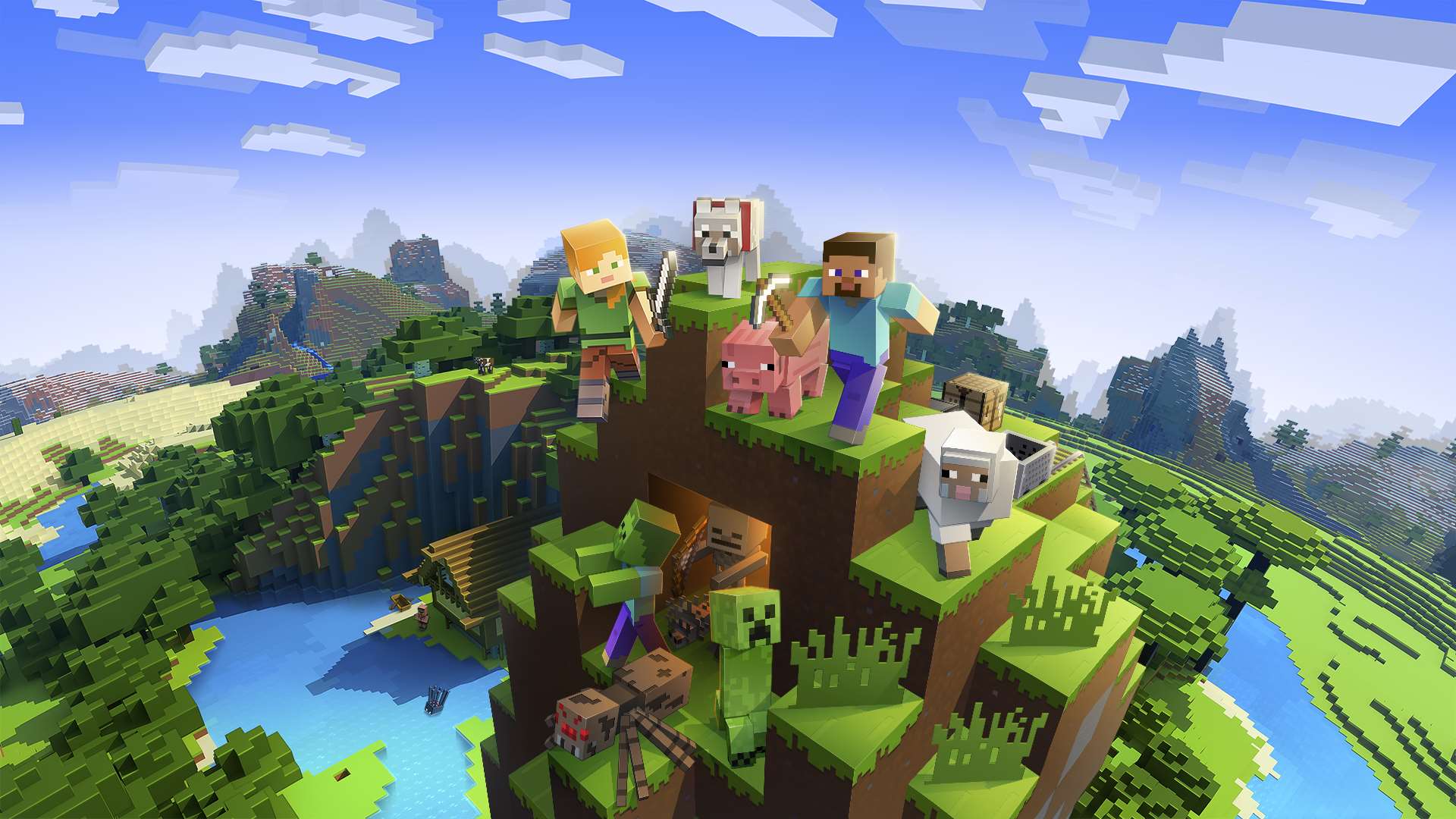
Minecraft is a block-based sandbox where players explore, mine, craft, and build in procedurally generated worlds that can stretch on forever. Whether in survival mode managing resources and mobs or creative mode constructing massive structures, the experience centers on smooth chunk loading, entity simulation, and the ability to push render distance far. Many players go far beyond vanilla with shader packs that add realistic lighting, water effects, shadows, and atmospheric details, plus high-resolution texture packs that sharpen every block.
At 4K, the game becomes a true visual showcase. The higher pixel count makes distant terrain pop and turns shader-enhanced scenes into something that looks almost cinematic. This resolution dramatically increases the demands on the GPU, as shaders require calculating complex lighting and effects across a much larger number of pixels. Render distance and simulation distance settings that feel comfortable at lower resolutions can quickly cause stuttering or frame-time spikes if the hardware cannot keep up with the combined load of world generation, entity ticks, and high-detail graphics. Common pain points include long chunk-loading pauses, CPU bottlenecks during dense mob activity, and VRAM pressure when running multiple high-resolution resource packs alongside shaders.
Before choosing a 4K Minecraft PC, understand that vanilla play is modest, but shader-heavy and texture-heavy setups flip the priority toward the graphics card. Fast storage helps with quicker world loading, while sufficient system RAM prevents crashes in heavily modded worlds. The key is balancing strong single-thread performance for the game's core simulation with a GPU that has high VRAM capacity and efficiency for modern shader techniques.