Build your perfect PC today

Get custom PC part picks in minutes. Take our quiz for fast, expert recommendations—no tech experience needed.

How The Quiz Works

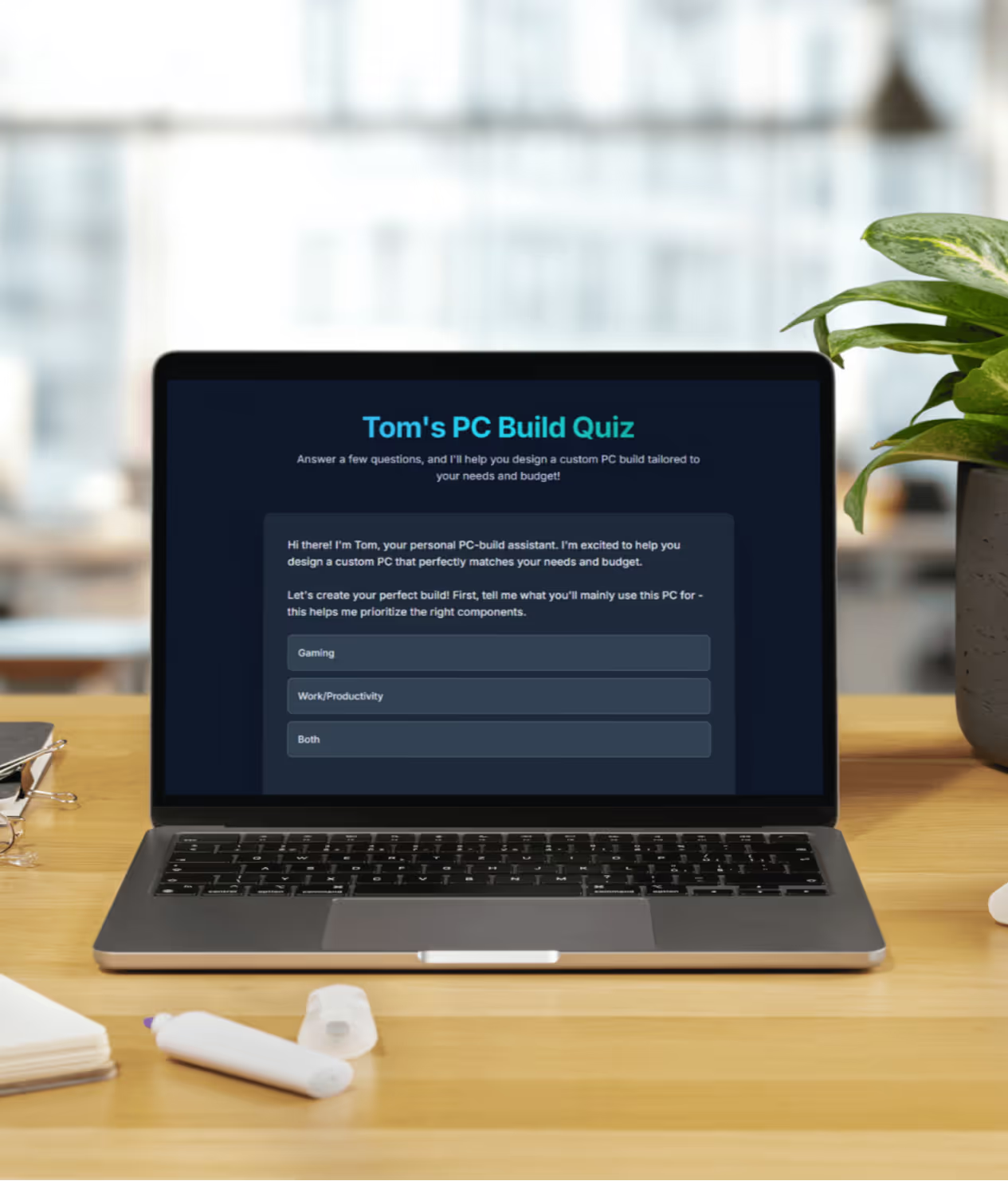
Laptop on wooden desk displaying Tom's PC Build Quiz with options for Gaming, Work/Productivity, and Both.
Laptop on wooden desk with screen displaying message 'Tom is Generating Your Build... This might take a moment. Good things are coming!'
Laptop on a wooden desk displaying Tom's PC Build Quiz results with custom PC build specifications and recommendations.
Step 1

Tell us what you need

Answer a few questions and get a custom PC build that matches your needs and budget. No tech skills needed—just start the quiz and see your results instantly.

Step 2

We score parts for price

We compare CPUs, GPUs, memory, and storage using current benchmarks and real prices. Then we filter for compatibility, airflow, and noise so every part fits and runs cool.

Step 3

Get a complete parts list

You’ll see a full parts list and a quick explanation of why each part makes sense for your use case.

Laptop on wooden desk displaying Tom's PC Build Quiz with options for Gaming, Work/Productivity, and Both.
Step 1

Tell us what you need

Answer a few questions and get a custom PC build that matches your needs and budget. No tech skills needed—just start the quiz and see your results instantly.

Laptop on wooden desk with screen displaying message 'Tom is Generating Your Build... This might take a moment. Good things are coming!'
Step 2

We score parts for price

We compare CPUs, GPUs, memory, and storage using current benchmarks and real prices. Then we filter for compatibility, airflow, and noise so every part fits and runs cool.

Laptop on a wooden desk displaying Tom's PC Build Quiz results with custom PC build specifications and recommendations.
Step 3

Get a complete parts list

You’ll see a full parts list and a quick explanation of why each part makes sense for your use case.

Learning Center

We've cleared out the noise. This is your central hub for clear, practical, and trustworthy guides. Whether you're a total beginner trying to understand the basics or an experienced builder looking for specific advice, you'll find it here.
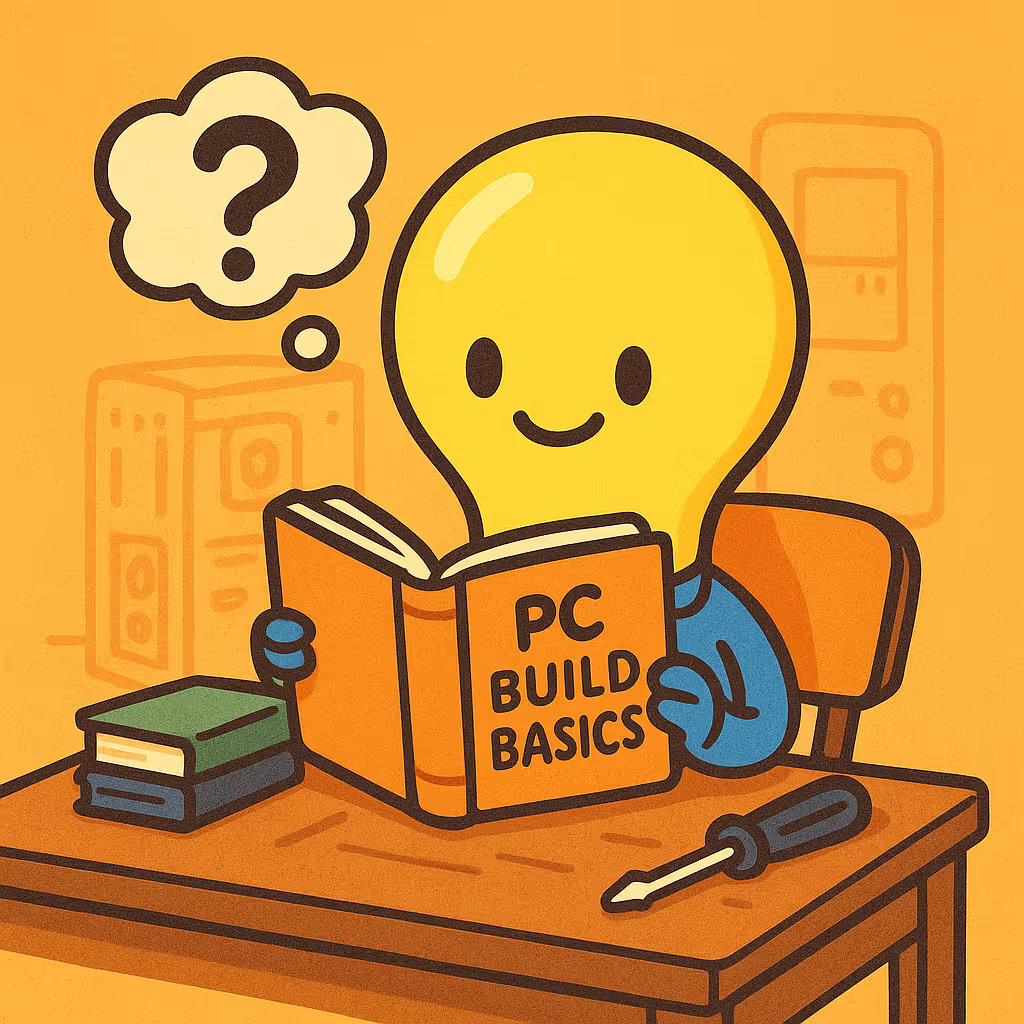
Illustration of a lightbulb-headed character reading a book titled 'PC Build Basics' at a desk with a screwdriver and two stacked books, a thought bubble with a question mark above its head.

Basics

New to PC building? Start here with foundational articles that cover the basics, like whether you should build or buy.

Click Here ->
Illustration of a motherboard with electronic circuit lines and a detached CPU chip.

Components

Learn what each part does. Our deep dives explain how to choose the best CPU, GPU, motherboard, and more for your build.

Click Here ->

Illustration of computer case with internal fan, wrench, clipboard with checklist, and play button icon on a wooden surface.

Building

Ready to get your hands dirty? Follow along with our curated video tutorials and written guides for a smooth assembly process.

Click Here ->
Illustration of a GPU benchmark report with a magnifying glass, bar chart, play button icon, and a GPU card on a wooden surface.

Benchmarks

Stay up to date with the latest hardware news, performance reviews, and real-world gaming and productivity benchmark data.

Click Here ->

Component Comparisons (Versus Pages)

Stop guessing which part is “better.” Pick a CPU or GPU matchup to see a direct, practical breakdown of what actually changes when you swap one component for another. Each comparison digs into gaming behavior, real work performance, and build reality stuff like VRAM headroom, power and cooling demands, and platform fit, so you can choose the right part without wading through benchmark charts or marketing fluff.

GeForce RTX 4080 vs GeForce RTX 5060 Ti 16GB
GeForce RTX 4080 remains the dominant choice for high-end enthusiasts, offering significantly more raw compute power and memory throughput than the newer mid-range option.
GeForce RTX 4080 vs Radeon RX 7900 XT
GeForce RTX 4080 wins because it offers a more complete feature set including advanced ray tracing and DLSS 3, justifying its higher $1199 MSRP for enthusiasts.
GeForce RTX 4080 vs Intel Arc B580
GeForce RTX 4080 is the superior choice for high-end gaming and productivity due to its significantly higher raw compute power and mature software stack. While the Intel Arc B580 enters the market as a capable budget alternative, it cannot match the architectural scale or shading capabilities of the Nvidia contender.
GeForce RTX 4080 vs Radeon RX 7600 XT
GeForce RTX 4080 offers massive processing advantages and faster memory bandwidth compared to the Radeon RX 7600 XT, though it arrived with a significantly higher launch MSRP.
AMD Ryzen 5 9600X vs AMD Ryzen 7 5800XT
AMD Ryzen 5 9600X is the superior choice because of its modern Zen 5 architecture, efficient power usage, and the long-term support of the AM5 platform.
View all ->

Game Builds

Select your game below to instantly generate a custom PC build optimized for that specific title. Our engine analyzes component performance to recommend the exact CPU and GPU combination required for smooth performance at the best possible price.

Best 4K Gaming PC for Dear Esther: Landmark Edition
Build a 4K PC optimized for Dear Esther: Landmark Edition to render its painterly island landscapes, caves, and water effects with maximum visual fidelity and smooth traversal.
Best Gaming PC for Dear Esther: Landmark Edition
Recommended PC build for Dear Esther Landmark Edition that delivers stable, hitch-free traversal of the island’s detailed environments so the randomized narration and atmosphere stay immersive.
Best Gaming PC for Dear Esther: Landmark Edition at 1440p
Recommended PC build for running Dear Esther: Landmark Edition smoothly at 1440p with sharp textures and stable performance across the detailed island environments.
Best Gaming PC for Dear Esther: Landmark Edition at 1080p
Build a PC that delivers smooth, hitch-free exploration of Dear Esther: Landmark Edition at 1080p. Focus on stable visuals and silent operation for this atmospheric walking simulator.
Best Gaming PC for Fallout 2
Find the ideal PC for Fallout 2. Focus on stability, modern OS compatibility, and smooth performance for this classic post-apocalyptic RPG.
View all ->

PC Building FAQ: Get Answers Fast

Find clear answers to common PC build questions. Explore our expert guidance below.

About PCBuildQuiz - Who are you?
How long does the quiz take and what do I get?
How do you pick parts?
What parts do I need to build a PC?
How do I choose compatible components?
Is building a PC difficult for beginners?
Do I need special tools to assemble a PC?
About PCBuildQuiz - Who are you?
How long does the quiz take and what do I get?
How do you pick parts?
What parts do I need to build a PC?
How do I choose compatible components?
Is building a PC difficult for beginners?
Do I need special tools to assemble a PC?

Your Feedback Helps Build a Better Quiz

This tool was created to take the guesswork out of PC building, and your experience is a huge part of its success. I'm always working to improve the recommendations and make the process smoother for everyone.

I would love to hear from you if you:

  • Have a question about the build recommendation you received.
  • Encountered an issue or got a result that seemed off.
  • Have a suggestion for a new quiz question or feature.
Thank you! Your submission has been received!
Oops! Something went wrong while submitting the form.