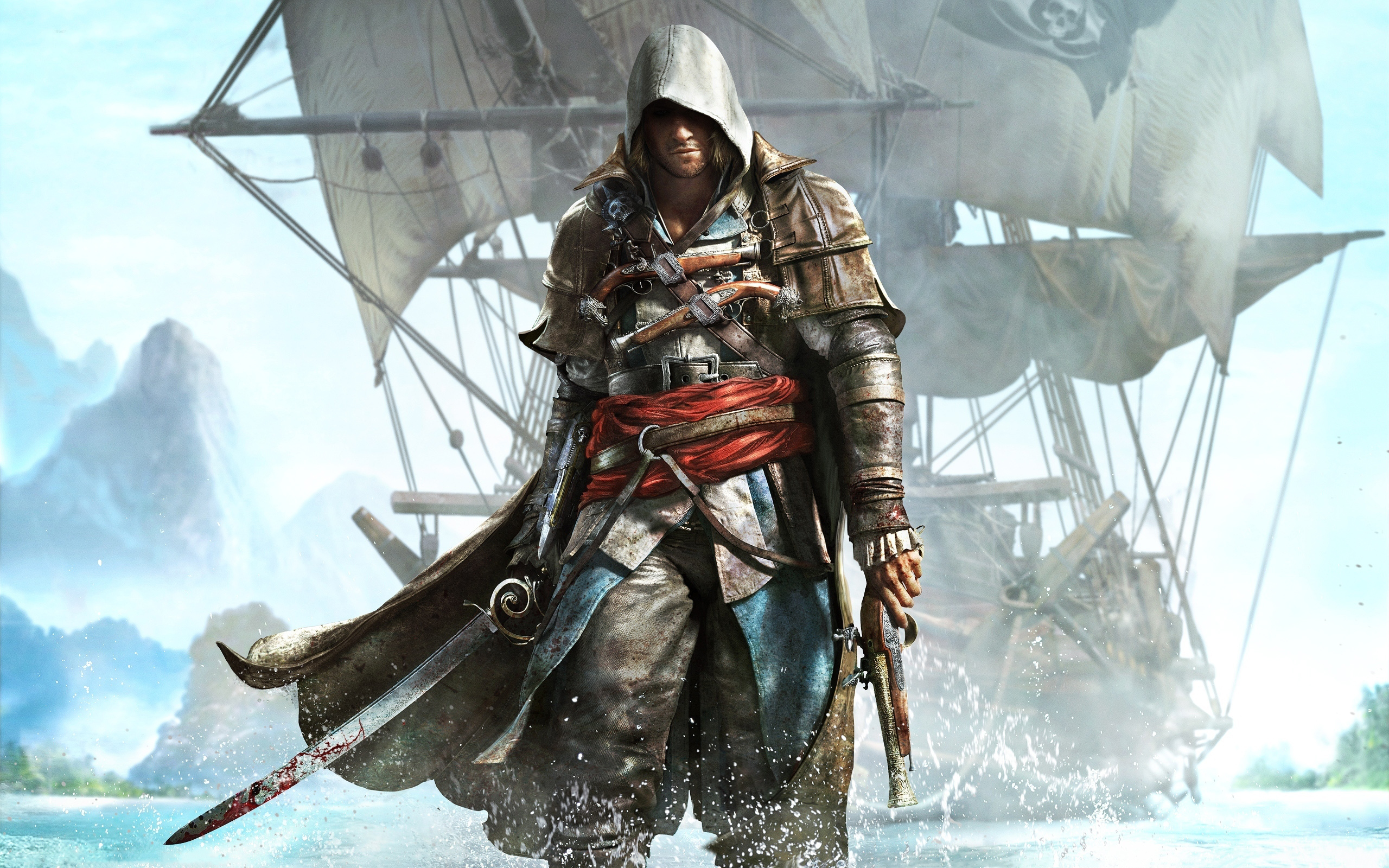
Source: RAWG
Page Summary

Best Gaming PC for Assassin’s Creed IV: Black Flag at 1440p

This page recommends a modern mid-range PC built around a capable 6-core CPU and 8 GB GPU for comfortable 1440p play in Assassin’s Creed IV: Black Flag. The build prioritizes GPU throughput and VRAM to handle the game’s higher-resolution textures, water effects, and foliage while keeping frame pacing stable during camera pans across the Caribbean. It uses current-generation parts that pair well with community tweaks and mods for better stability on this legacy title.

Recommended Build: 1440p Balanced Explorer
Estimated Budget: $1,300.00
About this scenario

What matters for Assassin’s Creed IV: Black Flag (1440p)

Assassin’s Creed IV: Black Flag is an open-world action-adventure set in the pirate-filled Caribbean, where you spend dozens of hours exploring land and sea as Edward Kenway. Players sail the Jackdaw for naval battles and boarding actions, climb through dense jungles and bustling settlements for assassinations and treasure hunts, and mix story missions with side activities like animal hunting. On PC the game feels best when movement and camera work stay smooth, since much of the appeal comes from immersive exploration and the satisfying feedback of ship combat. At 1440p the extra resolution makes rope textures, distant islands, and detailed ship models noticeably sharper, but it also magnifies the engine’s demands. The game relies heavily on GPU for complex water simulation, godrays, ambient occlusion, and foliage draw calls, especially in busy harbors or during rain-heavy scenes. These elements frequently cause stuttering or inconsistent frame pacing on older hardware when multiple high-impact settings are left enabled. CPU usage can spike in crowded areas despite the game’s modest core scaling, and low GPU utilization is a common complaint without proper tweaks. Many players encounter pain points like frame drops when panning across horizons in naval fights or when dense jungle foliage combines with shadow quality and TXAA. The original 60 FPS cap and launch stuttering have been improved by community FPS unlockers and stutter fixes, but these mods benefit most from a GPU that can deliver consistent throughput rather than raw rasterization power alone. Before choosing parts, understand that this scenario rewards balanced component selection focused on handling the game’s graphical effects at higher resolution instead of chasing maximum settings that the engine does not scale cleanly.
Performance priority
1440p Visual Stability
Component focus
The GPU is the most important part here because 1440p increases the load from Black Flag’s foliage, water shaders, shadows, and godrays that the older AnvilNext engine struggles to scale efficiently.
Recommended build

1440p Balanced Explorer

CPU
AMD Ryzen 5 7600 6-Core 12-Thread 3.8GHz AM5 65W CPU
GPU
ASRock Challenger Radeon RX 7600 8GB GDDR6 PCIe 4.0
Cooler
Thermalright Peerless Assassin 120 SE ARGB CPU Air Cooler
Motherboard
ASUS Prime B650-PLUS WIFI Motherboard
RAM
Patriot Viper Elite 5 16GB DDR5-6000 RAM Kit
Storage
Kingston NV3 1TB M.2 2280 PCIe SSD
Case
Montech AIR 903 BASE E-ATX Mid Tower Case High Airflow
PSU
MSI MAG A650BN 650W 80+ Bronze ATX 3.1 PCIe 5.1 PSU
Why we chose it

Why this build makes sense

This build delivers reliable 1440p performance for Black Flag by focusing on strong GPU capability for the effects that matter most while pairing it with an efficient modern CPU. The AMD Ryzen 5 7600 provides six fast cores and solid single-thread performance to manage crowd density and general game logic without overspending on core count an older engine like AnvilNext cannot fully utilize. It avoids the mismatched priorities that come from pairing a weak CPU with an overbuilt GPU or vice versa. The ASRock Challenger Radeon RX 7600 8GB is the heart of the system for this scenario. Its 8 GB of VRAM comfortably handles 1440p textures and the moderate VRAM sensitivity of the game, while the chip’s rasterization strength pushes through the foliage, shadows, and water effects that drive most of the load. This GPU choice directly addresses the common mistake of enabling too many taxing features on mid-range cards by giving enough headroom that players can keep visual quality high after applying community stutter fixes and optional graphics tweaks. The supporting parts complete a sensible, future-friendly system without excess. The ASUS Prime B650-PLUS WIFI motherboard and 16 GB of DDR5-6000 RAM give smooth operation and upgrade headroom on the AM5 platform, while the 1 TB Kingston NV3 SSD ensures fast level and asset loading for an open world that rewards long play sessions. Air cooling, a high-airflow case, and 650 W power supply keep everything stable and quiet during extended sailing and exploration. Overall the configuration prioritizes practical balance for Black Flag at 1440p: stable pacing through dense environments, sharp visuals that reward the resolution upgrade, and avoidance of both underspending on the GPU and overspending on components the engine cannot leverage.

Not sure if this build is right for you?

Every gamer is unique. Stop guessing and let our smart engine build a custom rig tailored exactly to your budget and the games you actually play.

Take the PCBuildQuiz!

A Note on Market Volatility

Our mission at PCBuildQuiz is to help you get maximum performance for every dollar by scanning for the best new retail prices 24/7. However, the hardware market can be unpredictable, and specific components like RAM or GPUs may experience temporary price spikes due to shortages. If a price seems unusually high, we recommend checking reputable used marketplaces or waiting for the volatility to settle because we would rather you save money than overpay for a brand new box.

Affiliate Disclaimer

Transparency is key. Some links on this page are affiliate links. This means if you click through and make a purchase, we may earn a small commission at no extra cost to you. This supports our servers and keeps our build engine free for everyone.