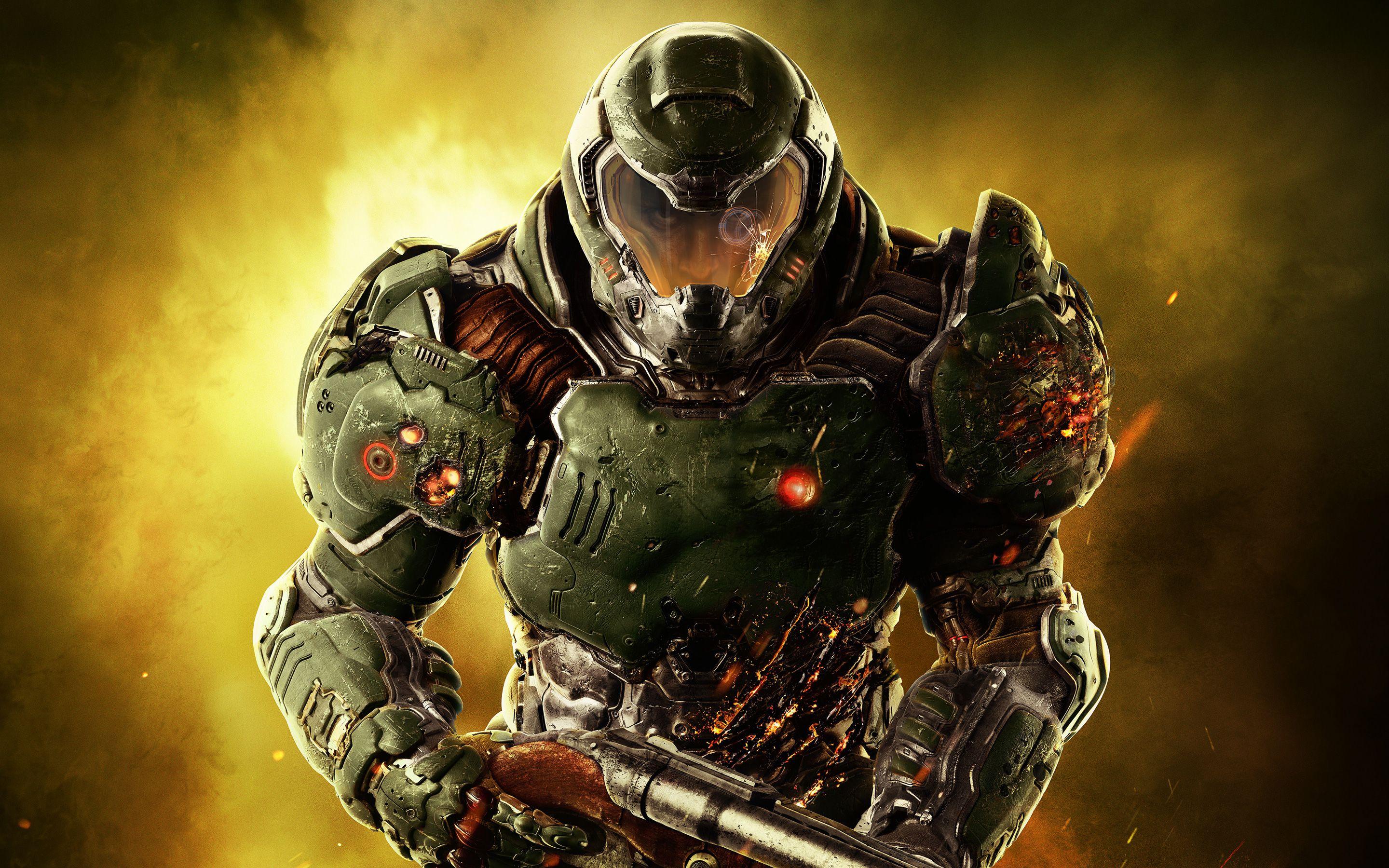
Source: RAWG
Page Summary

Best Gaming PC for DOOM (2016) at 1440p

This page recommends a balanced 1440p gaming PC for DOOM (2016) built around a strong AMD GPU with 16 GB VRAM and a capable 12-core Ryzen CPU. The build prioritizes fluid movement and stable frame times during horde battles and glory-kill chains while avoiding overspending on components the 2016 id Tech 6 engine does not need. It delivers the crisp detail and responsiveness that make aggressive, momentum-driven play feel excellent at this resolution.

Recommended Build: 1440p DOOM Slayer Build
Estimated Budget: $1,500.00
About this scenario

What matters for DOOM (2016) (1440p)

DOOM (2016) is a fast-paced first-person shooter built on id Tech 6 that throws players into linear campaign arenas packed with demon hordes. Core gameplay revolves around constant movement, glory kills to restore health, and switching between heavy weapons like the Super Shotgun and BFG-9000. Most players focus on the single-player campaign for its brutal, momentum-based combat, with occasional multiplayer matches or SnapMap experiments adding lighter use. At 1440p the game looks noticeably sharper than at lower resolutions, revealing fine environmental details, gore, and lighting effects across large Mars facility arenas. This resolution increases the load on the graphics card because shadow rendering, volumetric effects, and explosion particles scale directly with pixel count. Enemy density spikes during peak combat create simultaneous CPU and GPU pressure that can produce stuttering if either component is undersized. VRAM usage also climbs at 1440p with high texture and anti-aliasing settings, making cards with limited memory prone to hitches that break the precise aiming and quick reactions the game demands. Common pain points include micro-stutters when a room fills with demons and effects, or frame-time instability that ruins the intended feeling of aggressive forward momentum. Many players mistakenly pair a powerful GPU with a weak CPU, only to discover that enemy AI and physics calculations still cause dips. Before choosing a PC for 1440p DOOM, understand that the game rewards systems that keep minimum frame times high and eliminate hitches rather than chasing maximum settings or ultra-high resolutions. The right build focuses on balanced power that matches the engine's sensitivity to both GPU rasterization load and CPU simulation spikes.
Performance priority
1440p Fluidity
Component focus
A mid-to-high tier GPU with 16 GB VRAM is the most important part here because it prevents texture loading stutters and maintains smooth performance when 1440p shadow maps, dynamic lighting, and dense particle effects hit during arena fights.
Recommended build

1440p DOOM Slayer Build

CPU
AMD Ryzen 9 7900X 12-core 24-thread Socket AM5
GPU
SAPPHIRE Radeon RX 9060 XT PULSE 16GB GDDR6 PCIe 5.0 Graphics Card
Cooler
Thermalright Peerless Assassin 120 SE CPU Cooler
Motherboard
ASUS Prime B650-PLUS WiFi Motherboard
RAM
Patriot Viper Elite 5 16GB DDR5-6000 (PC5-48000) RAM Kit
Storage
Kingston NV3 1TB M.2 2280 PCIe 4.0 NVMe SSD
Case
Montech AIR 903 BASE E-ATX Mid Tower Case High Airflow
PSU
MSI MAG A650BN 650W 80+ Bronze ATX 3.1 PCIe 5.1 PSU
Why we chose it

Why this build makes sense

This build is designed specifically for 1440p DOOM (2016) by delivering enough GPU rasterization power and VRAM to keep particle effects, dynamic lighting, and high-resolution shadows running smoothly without stuttering during horde encounters. It accepts a moderate overall budget by using efficient current-generation parts that match the game's optimization level instead of chasing flagship components the engine cannot fully utilize. The result is a system that stays responsive through the campaign's most intense arenas while leaving headroom for SnapMap experiments or occasional multiplayer. The Ryzen 9 7900X provides 12 cores and 24 threads that comfortably handle the CPU spikes caused by enemy AI, physics, and simulation when dozens of demons fill a room. Paired with the SAPPHIRE Radeon RX 9060 XT PULSE 16GB, the balance tilts toward the GPU because 1440p primarily increases pixel workload and VRAM demand rather than raw CPU threading. The 16 GB of GDDR6 ensures textures and effects stay loaded even when settings push shadow and particle quality high, directly addressing the VRAM sensitivity that creates hitches at this resolution. System-wide choices reinforce this focus. The ASUS Prime B650-PLUS WiFi motherboard and 16 GB DDR5-6000 RAM provide a modern, stable platform without excess cost. The Kingston NV3 1 TB NVMe SSD loads the 55 GB install plus any SnapMap content quickly, while the Thermalright Peerless Assassin cooler keeps the 170 W CPU at good temperatures under sustained combat loads. The Montech AIR 903 case supplies strong airflow for the RX 9060 XT, and the 650 W MSI PSU meets power requirements with margin for stability. Together these parts avoid common mismatches by giving the GPU the VRAM headroom it needs at 1440p and the CPU the core count required for stable minimum frame times, creating a coherent system built for the exact demands of fast, particle-heavy demon-slaying.

Not sure if this build is right for you?

Every gamer is unique. Stop guessing and let our smart engine build a custom rig tailored exactly to your budget and the games you actually play.

Take the PCBuildQuiz!

A Note on Market Volatility

Our mission at PCBuildQuiz is to help you get maximum performance for every dollar by scanning for the best new retail prices 24/7. However, the hardware market can be unpredictable, and specific components like RAM or GPUs may experience temporary price spikes due to shortages. If a price seems unusually high, we recommend checking reputable used marketplaces or waiting for the volatility to settle because we would rather you save money than overpay for a brand new box.

Affiliate Disclaimer

Transparency is key. Some links on this page are affiliate links. This means if you click through and make a purchase, we may earn a small commission at no extra cost to you. This supports our servers and keeps our build engine free for everyone.