Source: RAWG
Page Summary

Best Gaming PC for Half-Life 2: Lost Coast at 1080p

This page recommends a balanced modern PC that runs Half-Life 2: Lost Coast flawlessly at 1080p with every visual setting maxed. The build prioritizes comfortable headroom for the Source engine's HDR post-processing and physics effects so the short coastal cliff ascent feels responsive and visually faithful. It avoids wasting money on unnecessary high-end components for a 2005 tech demo.

Recommended Build: Balanced 1080p HDR Build
Estimated Budget: $1,300.00
About this scenario

What matters for Half-Life 2: Lost Coast (1080p)

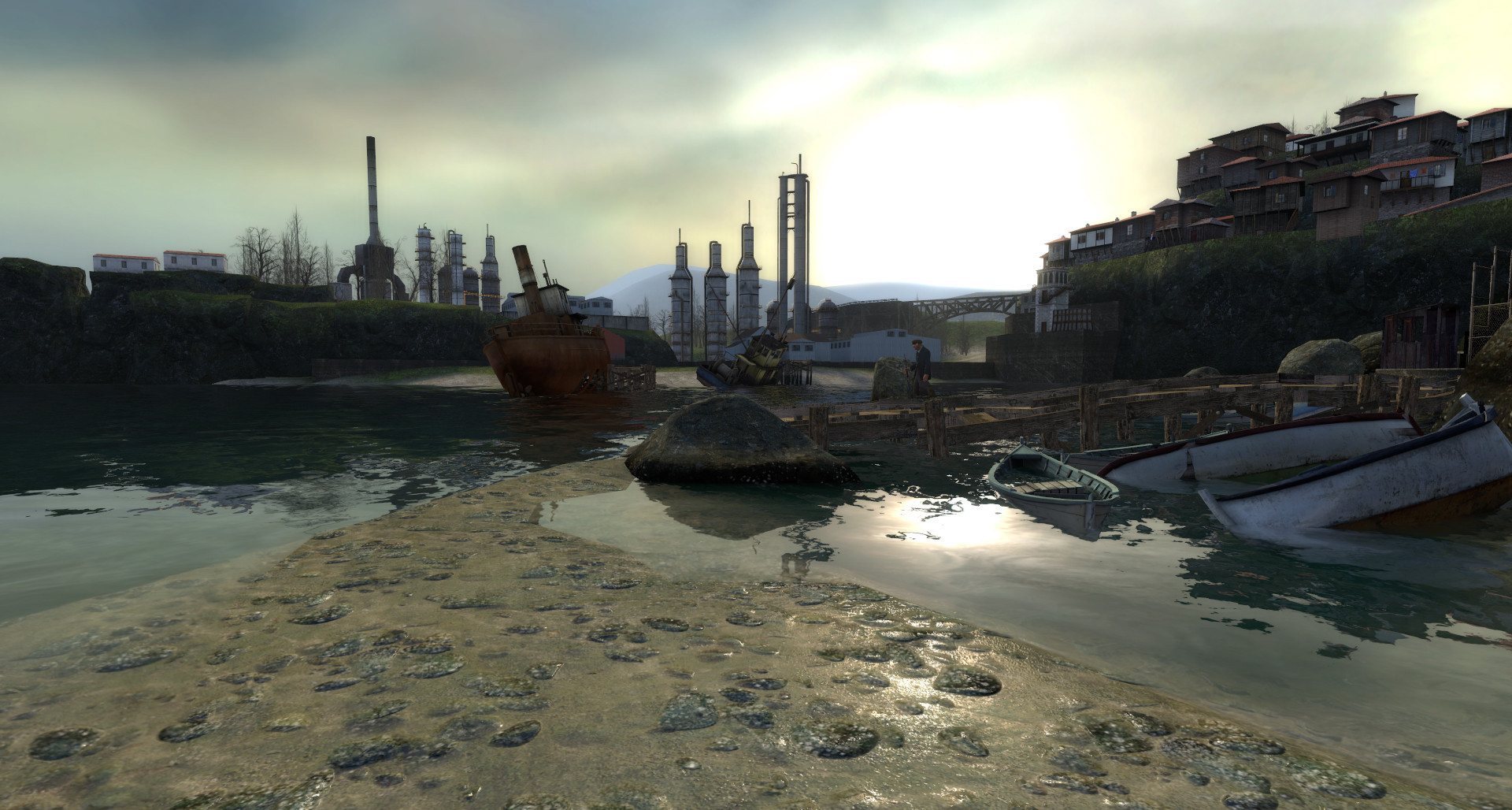
Half-Life 2: Lost Coast is a free, standalone tech demo that lets you play a single coastal cliff level originally cut from Half-Life 2. You control Gordon Freeman as he ascends to a monastery, battles Combine soldiers and headcrabs, and uses the gravity gun and rocket launcher to take down artillery and a helicopter. Most players experience it today as a quick 15-30 minute session via Steam, either for nostalgia, to hear developer commentary, or to see the HDR lighting effects Valve introduced with the Source engine. At 1080p the game remains the most common way fans revisit this demo. The practical demands center on clean, stutter-free visuals and consistent responsiveness during combat and physics interactions. HDR rendering and shader effects create the main GPU load, while CPU and storage needs stay minimal. Because the level is short and linear, the focus is on enjoying the intended atmosphere and precise shooting rather than competitive frame rates. Common misunderstandings include believing the old DX9 title needs specialized or outdated hardware; in reality, modern systems eliminate the rare compatibility issues that once plagued very old GPUs. Before choosing a PC, understand that Lost Coast scales effortlessly with resolution and settings. The main visual settings that matter are HDR, anti-aliasing, and anisotropic filtering. A sensible build for 1080p therefore emphasizes general gaming capability instead of hunting for extreme performance in a title that runs well even on integrated graphics.
Performance priority
Smooth HDR visuals at 1080p
Component focus
The GPU handles the majority of the load from HDR shaders, anti-aliasing, and anisotropic filtering, making even a mainstream card more than sufficient while the rest of the system stays well-balanced.
Recommended build

Balanced 1080p HDR Build

CPU
AMD Ryzen 5 7600X 6-Core 12-Thread 4.7GHz Socket AM5 105W Desktop Processor
GPU
ZOTAC Gaming RTX 5060 8GB GDDR7 OC
Cooler
Thermalright Peerless Assassin 120 SE ARGB CPU Air Cooler
Motherboard
ASUS Prime B650-PLUS WIFI Motherboard
RAM
Patriot Viper Elite 5 16GB DDR5-6000 RAM Kit
Storage
Kingston NV3 1TB M.2 2280 PCIe SSD
Case
Montech AIR 903 BASE E-ATX Mid Tower Case High Airflow
PSU
MSI MAG A650BN 650W 80+ Bronze ATX 3.1 PCIe 5.1 PSU
Why we chose it

Why this build makes sense

This build delivers more than enough performance for Half-Life 2: Lost Coast at 1080p while keeping costs reasonable and creating a system useful for many other games. The AMD Ryzen 5 7600X provides strong single-threaded responsiveness for the Source engine's AI, physics calculations, and overall system snappiness without overspending on cores the short demo will never use. Paired with the ZOTAC Gaming RTX 5060 8GB, it offers ample GPU power for maxed HDR, anti-aliasing, and anisotropic filtering so the monastery's lighting and coastal vistas appear exactly as intended. The CPU-GPU balance makes sense because Lost Coast is lightly threaded overall and only mildly GPU-bound by its post-processing effects. The Ryzen 5 avoids the bottleneck risk of weaker older CPUs while the RTX 5060 handles modern driver and feature compatibility that older cards sometimes struggle with. Supporting components round out the system without mismatched priorities: the ASUS Prime B650-PLUS WIFI motherboard and 16GB DDR5-6000 RAM ensure stable operation, the Kingston NV3 1TB SSD provides fast load times for the demo and commentary tracks, and the Thermalright Peerless Assassin cooler keeps the Ryzen 5 running quietly under load. The Montech AIR 903 case and MSI MAG A650BN 650W power supply complete a practical, future-proof setup that sidesteps the common mistake of overbuilding for 2005-era demands. Together the parts create a cohesive, reliable PC that lets you focus on the nostalgia and technical showcase instead of worrying about performance.

Not sure if this build is right for you?

Every gamer is unique. Stop guessing and let our smart engine build a custom rig tailored exactly to your budget and the games you actually play.

Take the PCBuildQuiz!

A Note on Market Volatility

Our mission at PCBuildQuiz is to help you get maximum performance for every dollar by scanning for the best new retail prices 24/7. However, the hardware market can be unpredictable, and specific components like RAM or GPUs may experience temporary price spikes due to shortages. If a price seems unusually high, we recommend checking reputable used marketplaces or waiting for the volatility to settle because we would rather you save money than overpay for a brand new box.

Affiliate Disclaimer

Transparency is key. Some links on this page are affiliate links. This means if you click through and make a purchase, we may earn a small commission at no extra cost to you. This supports our servers and keeps our build engine free for everyone.