About this scenario
What matters for Shadow of the Tomb Raider
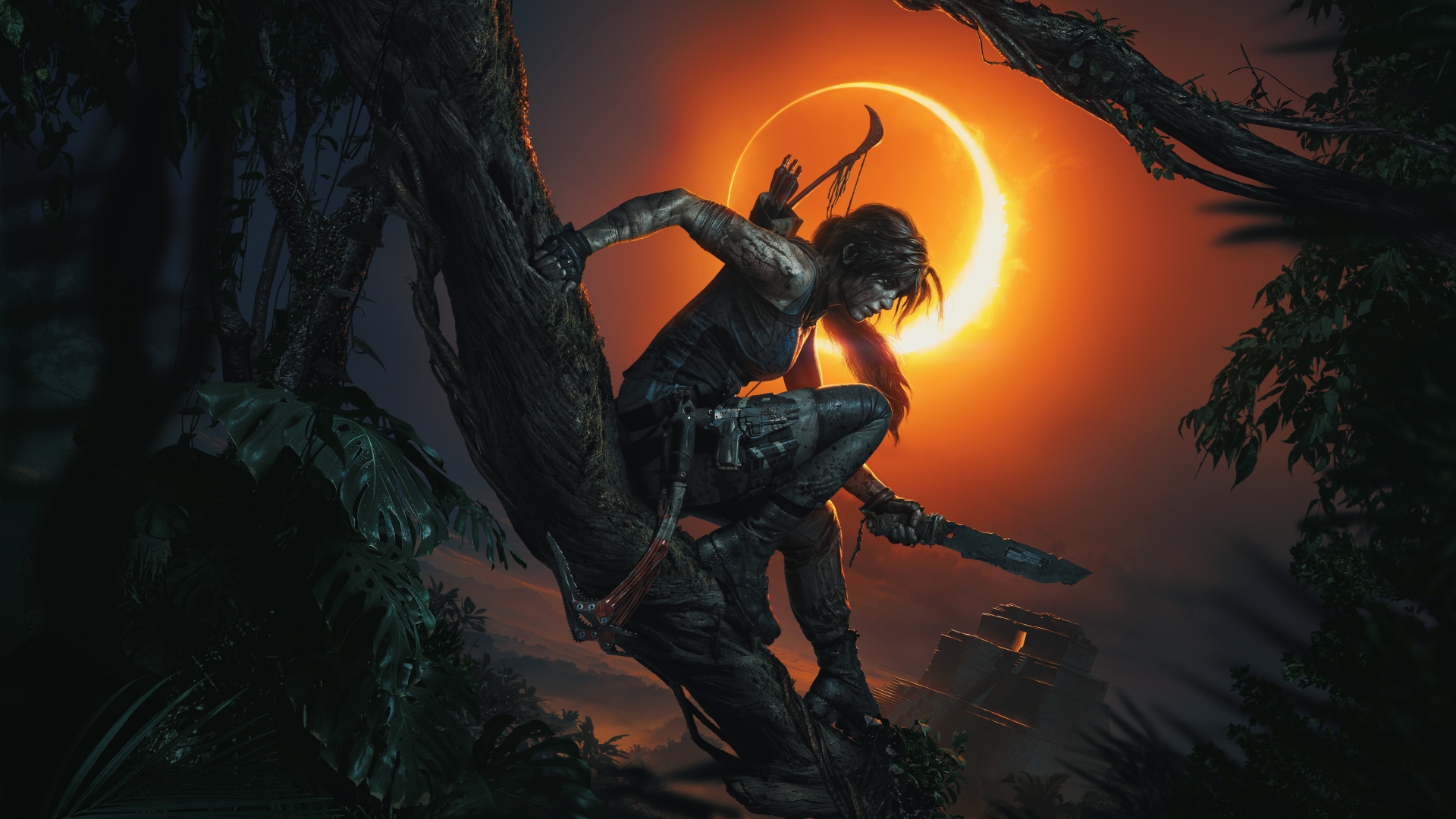
Shadow of the Tomb Raider is a single-player action-adventure game built on the Foundation engine, mixing jungle exploration, environmental puzzles, and stealth or direct combat through a story-driven campaign. At 1440p, it's one of those games where the resolution upgrade genuinely improves the experience. The extra clarity over 1080p sharpens foliage density, water reflections, stone textures, and the atmospheric lighting that gives the tombs and Peruvian jungle their sense of depth. That visual upgrade comes with a real GPU cost, though. The jump to 1440p increases pixel count by nearly 80%, which means your graphics card is doing considerably more work on every frame. Settings like texture quality, ambient occlusion, screen-space reflections, and volumetric lighting all push the GPU harder at this resolution. If you enable ray-traced shadows, the performance impact grows more noticeable, making features like upscaling support valuable for maintaining smoothness without sacrificing image quality. CPU performance matters too, but in a specific way. Dense hub areas with lots of geometry and AI can create CPU-side bottlenecks, and running the game in DX12 mode is important for spreading that workload across multiple cores. Systems still running DX11 often see unnecessary stuttering that has nothing to do with the GPU. For 1440p, the common buying mistake is either picking a GPU that's barely adequate for the resolution or overspending on top-tier components when a well-balanced mid-range system handles the game's demands without issue. Understanding that Shadow of the Tomb Raider is primarily GPU-driven at 1440p, with moderate CPU support needed to prevent frame drops in specific scenarios, is the key to picking the right PC build for this game.
Performance priority
Stable, visually rich 1440p gameplay with room for higher texture and lighting settings
Component focus
At 1440p, the GPU carries the heaviest load since the resolution significantly increases pixel throughput compared to 1080p. A graphics card with enough VRAM and modern features like DLSS makes the biggest difference, but pairing it with a multi-core CPU that scales well in DX12 keeps frame pacing consistent even in busier areas.