About this scenario
What matters for Star Wars: Knights of the Old Republic
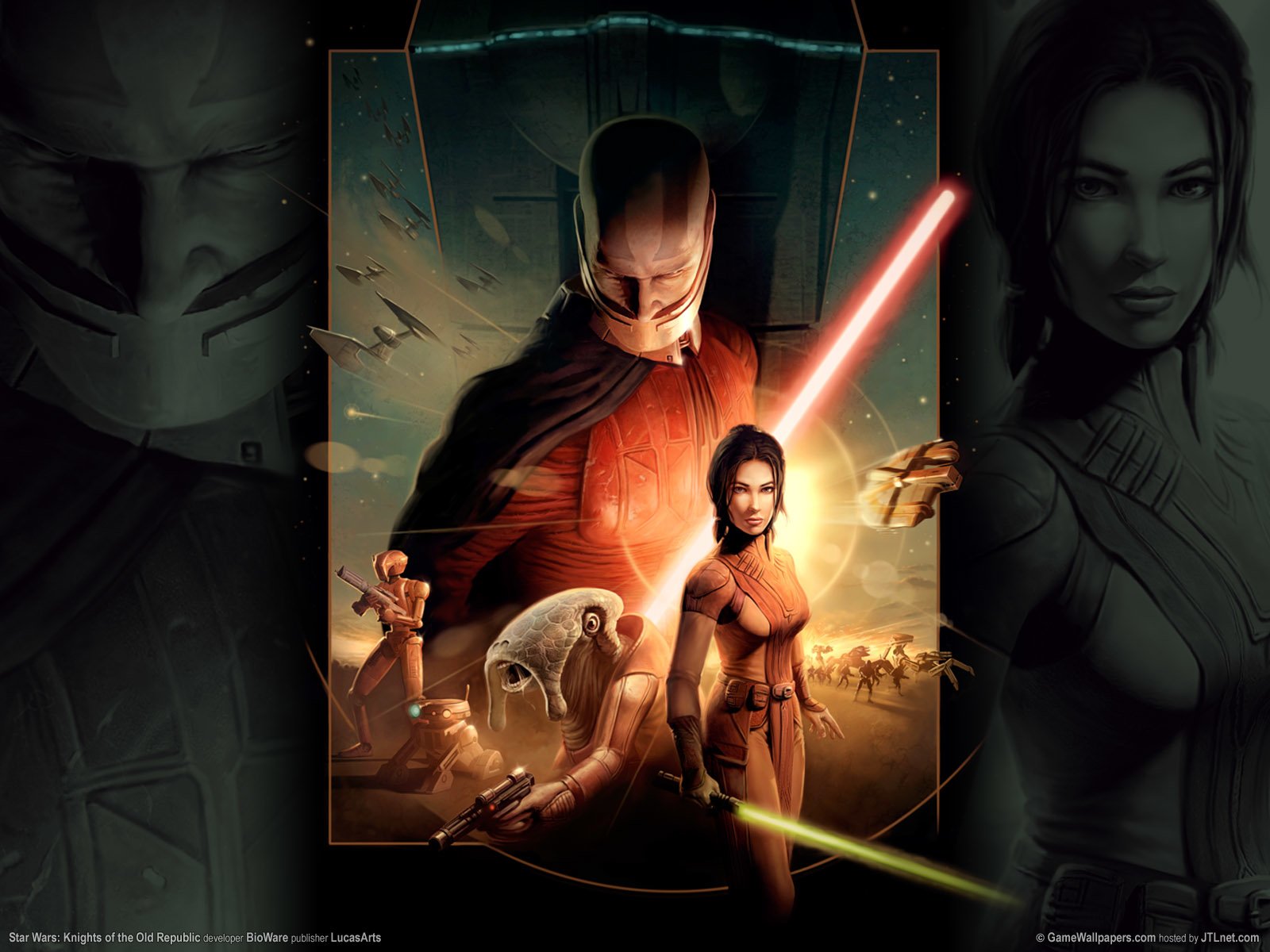
Star Wars: Knights of the Old Republic is a beloved single-player RPG originally released in 2003 on an engine designed for 4:3 monitors and older operating systems. When players look for a 1080p PC build for this game, they are usually solving a presentation problem, not a performance one. KOTOR natively stretches its UI and character models on widescreen displays unless you apply the community Universal Widescreen Patch, which locks the correct aspect ratio and allows proper 1080p output. Once that fix is in place, the game runs on virtually any hardware sold in the last decade. The engine uses OpenGL 1.4 and DirectX 9, and its scripting, AI pathfinding, and lighting pipeline create minimal load for a modern CPU or GPU. Frame rate is more stable when capped, since exceeding the engine's intended refresh can trigger collision and animation bugs. The real obstacles for players are Windows 10 and 11 compatibility issues: cutscene crashes, black-screen launches, and intermittent freezing that have nothing to do with hardware strength. Community bug-fix mods and simple ini edits resolve almost all of these problems. If you plan to add HD texture packs later, a dedicated GPU and larger SSD become more useful, but those upgrades serve other modern games far more than they serve KOTOR itself. In practical terms, a 1080p gaming PC for this game is about choosing a stable, well-supported platform and knowing which patches to install first.
Performance priority
Stable widescreen playback with no crashes or animation glitches
Component focus
At 1080p, the GPU and CPU are almost irrelevant to KOTOR's performance. What matters most is a reliable modern platform that runs Windows 10 or 11 without compatibility headaches, plus enough SSD space for bug-fix mods, widescreen patches, and optional HD texture packs.