Source: RAWG
Page Summary

Best Gaming PC for Total War: SHOGUN 2 at 1440p

For Total War: SHOGUN 2 at 1440p, you want a balanced gaming PC where a capable GPU handles the increased visual detail and a strong CPU manages the game's intense simulation during large battles. This build pairs a modern 6-core processor with a graphics card focused on rendering headroom for a smooth 1440p experience.

Recommended Build: Shogun 2 1440p Strategist
Estimated Budget: $1,400.00
About this scenario

What matters for Total War: SHOGUN 2

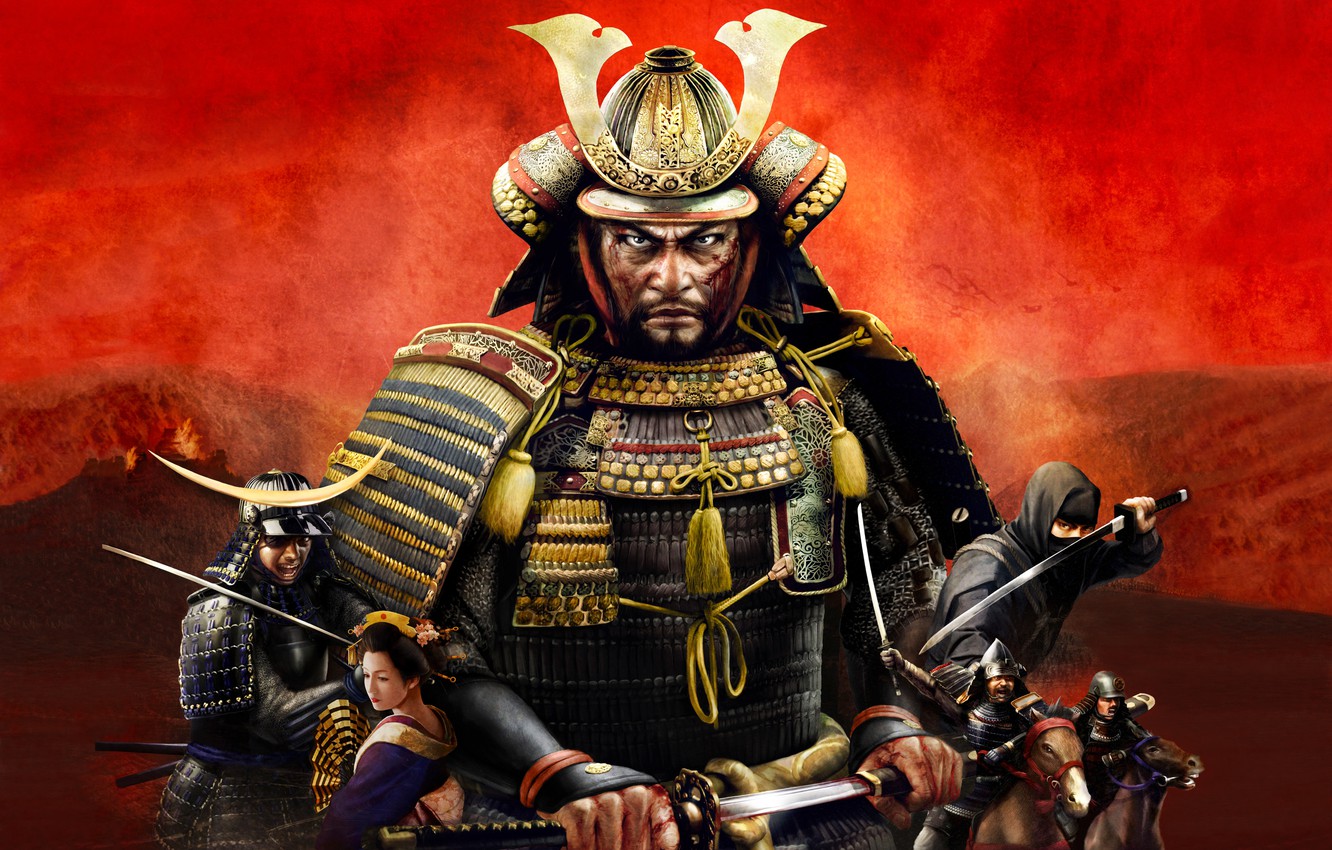
Total War: SHOGUN 2 is a classic strategy game where you manage a clan on a turn-based campaign map and command thousands of troops in real-time 3D battles set in feudal Japan. Playing at 1440p resolution (2560x1440) sharpens the visuals significantly—you'll see more detail on individual samurai, terrain textures, and battlefield effects compared to 1080p, enhancing immersion during your campaign's epic moments. However, the jump in resolution doesn't change the game's fundamental performance reality. The Warscape engine, while older, is heavily simulation-driven. The primary load during large battles comes from the CPU calculating AI pathing, combat, and managing thousands of unit interactions simultaneously. At 1440p, the graphics card works harder to draw all those detailed units and effects cleanly, but the core determinant of a smooth experience—especially in the chaotic late-game or when using popular mods that increase unit counts—is consistent processor speed. A common hardware mistake is investing in a top-tier GPU while using a CPU that can't keep up with the simulation. For a 1440p PC build, the goal is a harmonious system: a modern CPU that can handle the single-threaded simulation demands, paired with a GPU that has enough headroom to render the sharper visuals without becoming a bottleneck, supported by adequate fast memory and storage.
Performance priority
Sharper 1440p visuals maintained by stable CPU-driven simulation during large battles
Component focus
At 1440p, the GPU takes on more rendering work for the increased pixel count and unit detail, but the CPU remains the critical component for preventing slowdowns during the game's AI-intensive real-time battles and late campaign phases.
Recommended build

Shogun 2 1440p Strategist

CPU
AMD Ryzen 5 9600X 6-Core 3.9GHz AM5 65W CPU
GPU
AsRock Radeon RX 9060 XT Challenger 16GB GDDR6
Cooler
Peerless Assassin 120 SE ARGB CPU Cooler
Motherboard
ASUS Prime B650-PLUS WiFi 6 ATX Motherboard
RAM
Patriot Viper Elite 5 16GB DDR5-6000 RAM Kit
Storage
Kingston NV3 1TB M.2 2280 PCIe 4.0 NVMe SSD
Case
Montech AIR 903 BASE E-ATX Mid Tower Case
PSU
MSI MAG A650BN 650W 80+ Bronze ATX PSU
Why we chose it

Why this build makes sense

This selected build is a thoughtful match for experiencing Total War: SHOGUN 2 at 1440p. The AMD Ryzen 5 9600X processor provides the strong single-core and multi-thread performance necessary to handle the game's complex battle simulations and campaign AI without constant stutter, which is the primary performance concern. The AsRock Radeon RX 9060 XT with 16GB of VRAM is well-suited for 1440p rendering; its ample memory helps manage the improved unit and texture detail, and its performance tier prioritizes stable frame delivery over raw horsepower the game cannot efficiently use. This combination respects the game's balance of needs: the CPU addresses the core simulation bottleneck, while the GPU ensures the 1440p visual upgrade doesn't cripple performance. Supporting this with 16GB of fast DDR5 RAM and a 1TB NVMe SSD provides a responsive overall system for campaign load times and general smoothness. The 650W power supply offers reliable headroom for this efficient build. Together, these components create a PC that focuses investment where it matters most for this specific game at this specific resolution, avoiding the common trap of overbuilding on the GPU side.

Not sure if this build is right for you?

Every gamer is unique. Stop guessing and let our smart engine build a custom rig tailored exactly to your budget and the games you actually play.

Take the PCBuildQuiz!

A Note on Market Volatility

Our mission at PCBuildQuiz is to help you get maximum performance for every dollar by scanning for the best new retail prices 24/7. However, the hardware market can be unpredictable, and specific components like RAM or GPUs may experience temporary price spikes due to shortages. If a price seems unusually high, we recommend checking reputable used marketplaces or waiting for the volatility to settle because we would rather you save money than overpay for a brand new box.

Affiliate Disclaimer

Transparency is key. Some links on this page are affiliate links. This means if you click through and make a purchase, we may earn a small commission at no extra cost to you. This supports our servers and keeps our build engine free for everyone.