Source: RAWG
Page Summary

Best High FPS PC for DOOM (2016)

This page recommends a high-FPS-focused PC built specifically for DOOM (2016) on high-refresh-rate monitors. The build prioritizes a strong CPU to eliminate CPU spikes during demon swarms while pairing it with a capable GPU that maintains smooth frame delivery without stutter or late frames. The overall balance favors responsiveness and consistency over raw 4K visuals so aggressive movement and precise aiming feel instantaneous.

Recommended Build: High-FPS DOOM Slayer Build
Estimated Budget: $1,800.00
About this scenario

What matters for DOOM (2016) (High FPS)

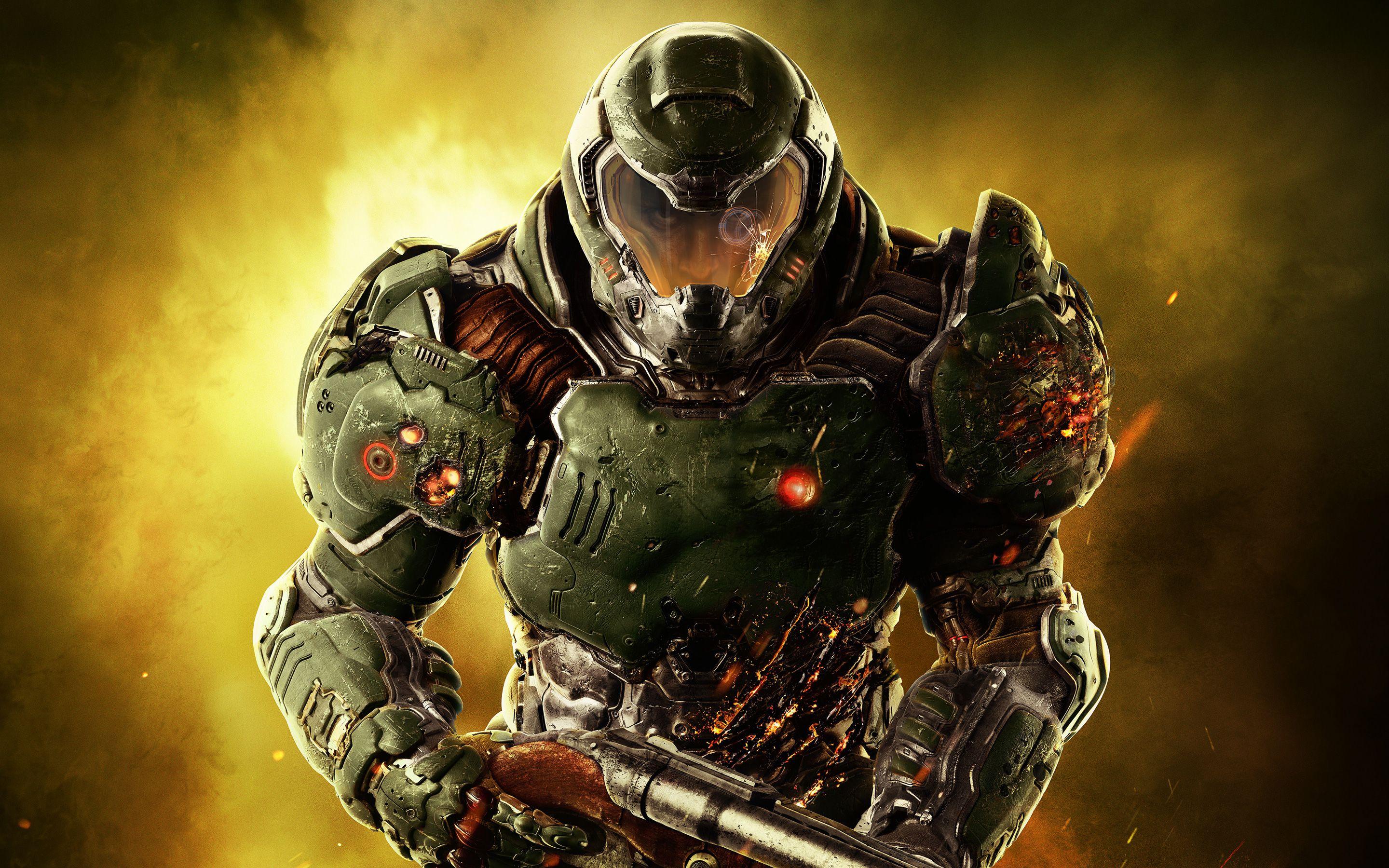
DOOM (2016) is a fast-paced, single-player-first shooter built on id Tech 6 that rewards constant movement, aggressive positioning, and melee glory kills to restore health. Most players run through the linear campaign, tearing through hordes of demons in tight arenas using an arsenal of heavy weapons, while a smaller group experiments with SnapMap user-created levels or hops into the low-population multiplayer deathmatch modes. The core experience is all about momentum: sprinting, jumping, and chaining attacks without ever slowing down. This high-FPS scenario matters because the game's combat loop is built around split-second reactions. Every millisecond of input lag or frame-time inconsistency breaks the direct connection between your mouse movements and what happens on screen. High frame rates delivered with stable pacing make dodging fireballs, landing precise shots, and timing glory kills feel responsive and natural. The engine places heavy demands on both the CPU, which must simulate large numbers of enemies, physics interactions, and AI behaviors simultaneously, and the GPU, which renders particle explosions, dynamic lighting, and shadow-heavy environments. Common pain points include sudden micro-stutters when dozens of demons spawn at once or when particle effects peak. These CPU-driven spikes are far more noticeable at 240 Hz than at 60 Hz, turning fluid movement into frustrating hitches. A frequent hardware mistake is pairing a strong GPU with a mediocre CPU; the GPU sits idle while the processor struggles, producing uneven frame times that ruin the aggressive playstyle. Before choosing a PC for high-FPS DOOM, understand that visual settings can be lowered strategically—shadows, lighting, and particles have the biggest impact on performance—while the priority remains consistent minimum frame times and low latency rather than maximum image quality.
Performance priority
Maximum Frame Rate and Response Time
Component focus
The CPU is the most critical component here because enemy AI, physics, and particle systems in crowded arenas create frequent CPU spikes that directly hurt frame pacing on high-refresh displays.
Recommended build

High-FPS DOOM Slayer Build

CPU
AMD Ryzen 7 7800X3D 8-Core 16-Thread Desktop Processor
GPU
MSI Shadow 3X OC GeForce RTX 5070 12GB
Cooler
Thermalright Peerless Assassin 120 SE CPU Cooler
Motherboard
ASUS Prime B650-PLUS WiFi Motherboard
RAM
G.Skill Flare X5 32GB (2x16GB) DDR5-6000 CL36 RAM Kit
Storage
Kingston NV3 1TB M.2 2280 PCIe 4.0 NVMe SSD
Case
Montech AIR 903 BASE E-ATX Mid Tower Case High Airflow
PSU
MSI MAG A650BN 650W 80+ Bronze ATX 3.1 PCIe 5.1 PSU
Why we chose it

Why this build makes sense

The selected build is engineered as a CPU-priority system that directly addresses the engine's behavior in large-scale demon encounters while still providing enough GPU headroom to push high frame rates at 1080p and competitive settings. The AMD Ryzen 7 7800X3D serves as the foundation because its large L3 cache and 8 cores excel at the simulation loads that cause stuttering in crowded arenas, keeping frame times stable even when the action peaks. This removes the most common source of hitches without overspending on a higher-core CPU that would deliver diminishing returns for this game. The MSI GeForce RTX 5070 12 GB complements the CPU by delivering the rasterization performance and efficient frame delivery needed to maintain high refresh rates without becoming a secondary bottleneck itself. Its 12 GB of VRAM comfortably handles the particle and texture demands at the resolutions and detail levels that make sense for high-FPS play, avoiding the VRAM-related hitches seen on older 8 GB or smaller cards. The parts are deliberately matched: the ASUS B650 motherboard and 32 GB of DDR5-6000 memory give the 7800X3D the fast memory bandwidth it benefits from, while the Thermalright Peerless Assassin keeps temperatures in check during long play sessions. Storage, power, and case choices stay practical. The 1 TB NVMe SSD provides fast load times for the 55 GB install plus room for SnapMap creations, and the 650 W power supply supports the 250 W GPU with headroom for stability. The Montech AIR 903 case supplies excellent airflow to both the CPU cooler and GPU without unnecessary cost. Overall the configuration avoids the common mistake of GPU-heavy spending that leaves CPU performance on the table, delivering the responsive, stutter-free experience that high-refresh DOOM players actually notice in every arena fight.

Not sure if this build is right for you?

Every gamer is unique. Stop guessing and let our smart engine build a custom rig tailored exactly to your budget and the games you actually play.

Take the PCBuildQuiz!

A Note on Market Volatility

Our mission at PCBuildQuiz is to help you get maximum performance for every dollar by scanning for the best new retail prices 24/7. However, the hardware market can be unpredictable, and specific components like RAM or GPUs may experience temporary price spikes due to shortages. If a price seems unusually high, we recommend checking reputable used marketplaces or waiting for the volatility to settle because we would rather you save money than overpay for a brand new box.

Affiliate Disclaimer

Transparency is key. Some links on this page are affiliate links. This means if you click through and make a purchase, we may earn a small commission at no extra cost to you. This supports our servers and keeps our build engine free for everyone.